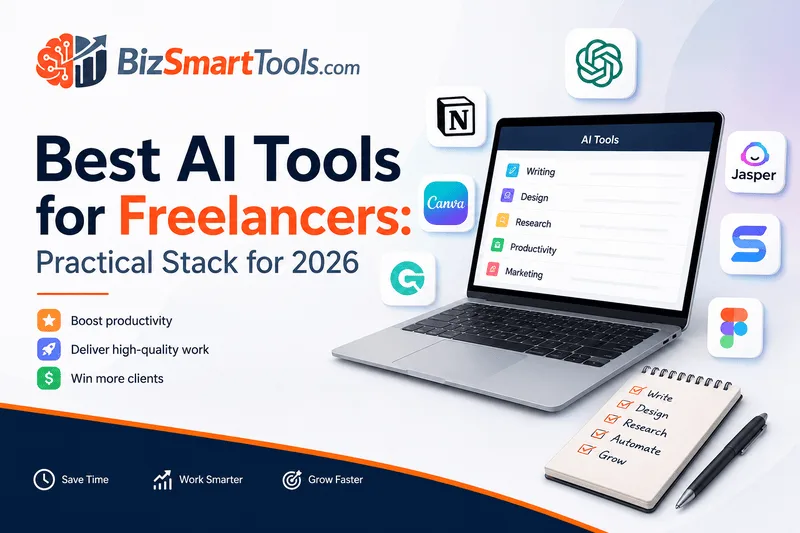
Best AI Tools for Freelancers
Freelancers often juggle multiple tasks, making efficiency crucial. Here’s a curated list of the best AI tools that can help streamline your workflow and enhance your creative output.
Canva: Design Made Easy
Canva is a graphic design tool perfect for freelancers needing quick and professional designs. With its user-friendly interface, you can create stunning visuals for social media, presentations, and more.
ChatGPT: Your Writing Assistant
ChatGPT is an AI-powered writing assistant that helps freelancers generate content ideas, draft emails, and even write articles. It’s like having a co-writer available 24/7.
Claude: AI for Creative Projects
Claude is an AI tool designed for creative freelancers. It assists in brainstorming ideas and enhancing creativity, making it easier to tackle complex projects.
ClickUp: Project Management Simplified
ClickUp is a project management tool that helps freelancers organize tasks, set deadlines, and track progress. Its AI features streamline project management for better productivity.
Conclusion
Incorporating these AI tools into your freelance business can significantly enhance your productivity and creativity. For a broader selection, check out our AI tools directory and explore more options tailored for your freelance journey.
Affiliate disclosure: We may earn commissions from links on this page. Pricing and features were last checked against BizSmartTools profiles—confirm on the vendor site before you buy.
Next step: Open the tool cards below, compare finalists on pricing and integrations, then start a free trial before committing seats.
This draft was reviewed by the BizSmartTools editorial team using documented selection criteria and live product profiles.
FAQ
What AI tools should beginners buy first? Start with one general assistant, one writing or research tool if content is core to revenue, and automation only after workflows are documented.
How do I keep AI tool costs predictable? Use BizSmartTools profiles to compare pricing tiers, confirm integrations, and read comparison pages before renewing annual contracts.
Related reading
Deep dive: building a reliable stack
Most teams overspend when they buy overlapping assistants. Map each recurring task—research, drafting, QA, scheduling—to a single owner tool. Keep a shared prompt library and naming convention so outputs stay consistent across vendors.
Workflow template
- Capture the job-to-be-done in one sentence.
- List must-have integrations (CRM, docs, chat).
- Compare two finalists using live BizSmartTools profiles.
- Run a two-week pilot with success metrics.
- Renegotiate or downgrade before annual renewal.
Cost control
Track seat utilization monthly. Prefer tools with transparent usage meters and exportable audit logs for finance review.
Operational Notes
When implementing AI tools in your freelance workflow, it’s essential to be aware of potential pitfalls that could hinder your productivity rather than enhance it. Here are some key considerations:
1. Over-Reliance on AI
While AI tools like ChatGPT and Claude can significantly aid in content creation and brainstorming, freelancers should avoid becoming overly reliant on them. It’s crucial to maintain your unique voice and creativity, ensuring that the final output reflects your personal touch. Use AI as a supplement to your skills, not a replacement.
2. Integration Challenges
Integrating new AI tools into your existing workflow can be challenging. Ensure that the tools you choose can seamlessly connect with your current systems, such as project management software or communication platforms. This will help minimize disruptions and allow for a smoother transition.
3. Training and Familiarization
Before rolling out new tools to your team, invest time in training. Familiarize yourself and your team with the features and functionalities of the AI tools. This will help everyone maximize the benefits and reduce frustration during the initial stages of implementation.
4. Setting Clear Expectations
When introducing AI tools, set clear expectations for their use. Define how and when these tools should be utilized within your projects. This clarity will help your team understand the role of AI in their workflow and encourage effective collaboration.
By being mindful of these implementation pitfalls, freelancers can better navigate the integration of AI tools into their operations, ultimately enhancing their productivity and creativity.
Who this guide is for
Operators comparing AI software for repeatable weekly workflows—not one-off experiments.
Evaluation criteria
We score pricing clarity, integration fit, and editorial review dates.
How to use this shortlist
Pilot one tool for two weeks, document outcomes, then add automation.
Implementation checklist
Week 1: baseline
Document current manual steps.
Week 2: pilot
Run one workflow end-to-end.
Week 3: scale
Add seats only after ROI is visible.
Quick comparison
| Tool | Best for | Pricing snapshot | | --- | --- | --- | | Primary pick | Daily workflows | Free tier + paid seats | | Runner-up | Teams needing integrations | Per-seat monthly | | Budget option | Solo operators | Low monthly cost |